Why Professional Video Editing Boosts Your Podcast Quality
In the rapidly evolving world of podcasting, audio quality is paramount. However, as the medium matures, the visual component of podcasts is gaining traction. Many podcasters are now integrating video into their shows, whether through live streaming or recorded sessions. This shift raises an important question: how can professional video editing enhance the overall quality of your podcast?
In this post, we will explore the benefits of professional video editing for podcasts, the tools available, and practical tips to elevate your podcasting game.
The Importance of Visuals in Podcasting
Podcasts have traditionally been an audio-only medium, but the rise of platforms like YouTube and social media has changed the landscape. Visual content can significantly enhance the listener's experience. Here are a few reasons why visuals matter:
Engagement: Viewers are more likely to stay engaged with a podcast that includes visual elements. A well-edited video can capture attention and keep the audience interested.
Brand Identity: Visuals help establish a brand identity. Consistent graphics, colors, and styles can make your podcast recognizable and memorable.
Accessibility: Adding visuals can make your content more accessible. For instance, viewers who are hard of hearing can benefit from subtitles or visual cues.
Benefits of Professional Video Editing
Investing in professional video editing can yield significant returns for your podcast. Here are some key benefits:
Enhanced Quality
Professional video editors have the skills and tools to enhance the quality of your footage. This includes:
Color Correction: Adjusting colors to ensure they are vibrant and true to life.
Audio Synchronization: Ensuring that audio and video are perfectly aligned, which is crucial for viewer experience.
Transitions and Effects: Adding smooth transitions and effects that can make your video more dynamic and engaging.
Time Efficiency
Editing video can be a time-consuming process. By hiring a professional, you can focus on what you do best—creating content. This allows you to:
Increase Productivity: Spend more time on content creation and less on technical editing.
Meet Deadlines: Professionals can help you stick to a release schedule, ensuring your audience receives content consistently.
Professionalism
A polished video reflects professionalism. When viewers see high-quality production, they are more likely to trust your content. This can lead to:
Increased Credibility: A well-edited video can enhance your reputation as an expert in your field.
Attracting Sponsors: Brands are more likely to partner with podcasts that have a professional appearance.
Tools for Video Editing
If you're considering taking the plunge into professional video editing, here are some tools that can help:
Software Options
Adobe Premiere Pro: A powerful editing tool used by professionals. It offers a wide range of features for video editing, including color grading and audio editing.
Final Cut Pro: A favorite among Mac users, this software provides advanced editing capabilities and a user-friendly interface.
DaVinci Resolve: Known for its color correction features, this software is great for those looking to enhance the visual quality of their videos.
Hardware Considerations
Investing in the right hardware can also make a difference in your editing process. Consider:
High-Performance Computer: A computer with a strong processor and ample RAM will handle video editing tasks more efficiently.
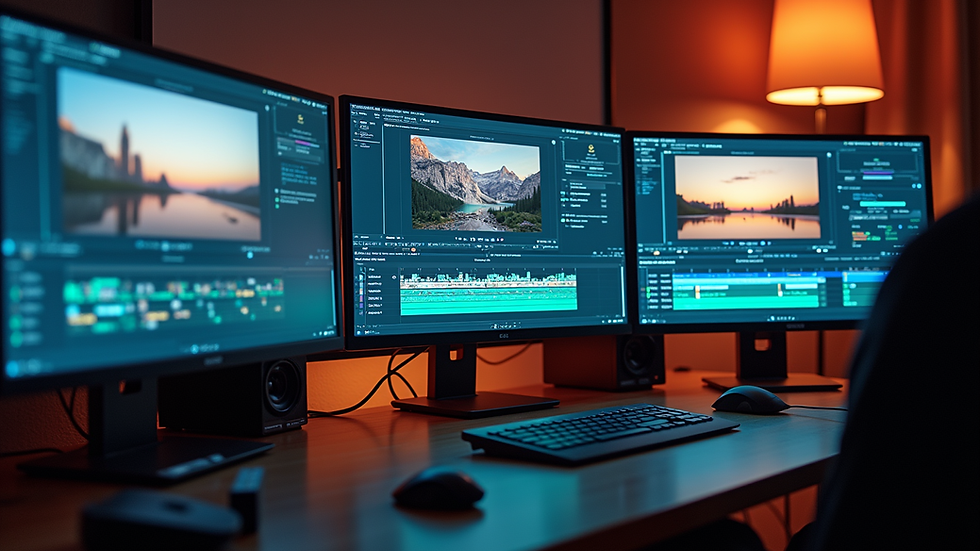
External Monitor: A larger screen can help you see details more clearly, making the editing process smoother.
Practical Tips for Effective Video Editing
To make the most of your video editing, consider these practical tips:
Plan Your Shots
Before you start recording, plan your shots. This includes:
Storyboarding: Create a visual outline of your video to guide your filming and editing process.
Camera Angles: Experiment with different angles to find what works best for your content.
Keep It Concise
Attention spans are short. Aim to keep your videos concise and to the point. This can be achieved by:
Editing Out Fluff: Remove any unnecessary content that doesn’t add value to your message.
Using B-Roll: Incorporate B-roll footage to keep the visuals interesting while you discuss key points.
Add Visual Elements
Incorporating graphics, text overlays, and animations can enhance your video. Consider:
Lower Thirds: Use lower thirds to introduce speakers or highlight key points.
Call-to-Action Graphics: Encourage viewers to subscribe or visit your website with clear visual prompts.
The Role of Branding in Video Editing
Branding is crucial in podcasting. Your video should reflect your brand identity. Here’s how to ensure consistency:
Color Schemes
Choose a color scheme that aligns with your brand. Use these colors consistently across all your videos to create a cohesive look.
Fonts and Graphics
Select fonts and graphics that represent your brand. This includes:
Logo Placement: Ensure your logo is visible but not intrusive.
Consistent Font Choices: Use the same fonts for titles and text throughout your videos.
Case Studies: Successful Podcasts Using Video Editing
To illustrate the impact of professional video editing, let’s look at a few successful podcasts that have effectively integrated video into their content.
Podcast Example 1: "The Joe Rogan Experience"
Joe Rogan’s podcast is a prime example of how video can enhance a podcast. The high-quality video production, combined with engaging visuals, has helped it become one of the most popular podcasts globally. The use of multiple camera angles and clear audio has contributed to its success.
Podcast Example 2: "H3 Podcast"
The H3 Podcast utilizes professional video editing to create a visually engaging experience. Their use of graphics, animations, and well-timed cuts keeps viewers entertained and informed. This attention to detail has helped them build a loyal audience.
Conclusion
Incorporating professional video editing into your podcast can significantly enhance its quality and appeal. From improving engagement to establishing a strong brand identity, the benefits are clear. By investing in the right tools and techniques, you can elevate your podcast to new heights.
As you embark on your podcasting journey, remember that quality matters. Whether you choose to hire a professional or learn the ropes yourself, the effort you put into video editing will pay off in the long run. Start exploring the possibilities today and watch your podcast thrive!

Comments