Top Podcast Video Editing Tips for Beginners
Podcasting has exploded in popularity, and with it, the demand for high-quality video content has surged. As a beginner, diving into the world of podcast video editing can feel overwhelming. However, with the right tips and techniques, you can create engaging and professional-looking videos that captivate your audience. This guide will walk you through essential video editing tips tailored for podcast creators, ensuring your content stands out.
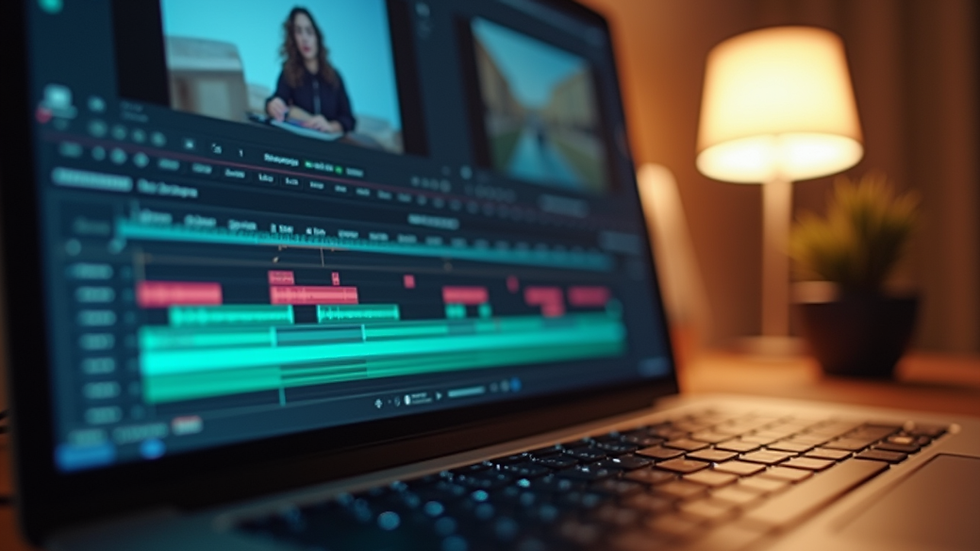
Understanding the Basics of Video Editing
Before you start editing, it's crucial to understand the basic concepts of video editing. Familiarize yourself with the following terms:
Timeline: This is where you arrange your video clips, audio, and effects.
Cuts: These are transitions between different clips. Knowing when to cut is essential for maintaining flow.
Transitions: These are effects that help move from one scene to another smoothly.
Audio Levels: Ensuring your audio is clear and balanced is vital for a professional finish.
Choosing the Right Software
Selecting the right video editing software is the first step in your editing journey. Here are a few popular options for beginners:
iMovie: Great for Mac users, it's user-friendly and offers essential editing tools.
Adobe Premiere Rush: A simplified version of Premiere Pro, perfect for quick edits on the go.
DaVinci Resolve: A powerful free option that offers advanced features as you grow.
Planning Your Edit
Before you dive into the editing process, take some time to plan your edit. This can save you a lot of time and frustration later on.
Create a Rough Cut
Start by creating a rough cut of your podcast. This involves:
Importing Your Footage: Bring all your video and audio files into your editing software.
Arranging Clips: Place your clips in the order they will appear in the final video.
Trimming Unnecessary Parts: Remove any long pauses or mistakes to keep the content engaging.
Organize Your Assets
Keeping your files organized is crucial. Create folders for:
Video clips
Audio files
Images or graphics
Music tracks
This organization will make it easier to find what you need during the editing process.
Enhancing Audio Quality
Audio quality is just as important as video quality. Here are some tips to enhance your podcast's audio:
Use Quality Microphones
Investing in a good microphone can significantly improve your audio quality. Consider options like:
Dynamic Microphones: Great for reducing background noise.
Condenser Microphones: Ideal for capturing a wide range of frequencies.
Edit Your Audio
Use audio editing tools to:
Remove Background Noise: Most editing software has noise reduction features.
Adjust Levels: Ensure all speakers are at a consistent volume.
Add Music and Sound Effects: Use royalty-free music to enhance your podcast's atmosphere.
Adding Visual Elements
Visual elements can make your podcast more engaging. Here are some ways to incorporate them:
Use B-Roll Footage
B-roll is supplementary footage that can help illustrate your points. For example, if you're discussing a product, show a close-up of it. This keeps viewers engaged and adds context to your discussion.
Incorporate Graphics and Text
Adding graphics can help emphasize key points. Consider:
Lower Thirds: Display the speaker's name and title at the bottom of the screen.
Callouts: Highlight important information or quotes.
Mastering Transitions and Effects
Transitions and effects can enhance the flow of your video. However, use them sparingly to avoid distraction.
Simple Cuts
Most of the time, a simple cut between clips is the best choice. It keeps the focus on the content without unnecessary distractions.
Fade In and Out
Using fade-ins and fade-outs can help create a smooth transition between segments. This technique is particularly effective at the beginning and end of your podcast.
Color Correction and Grading
Color correction can significantly enhance the visual appeal of your video. Here’s how to approach it:
Basic Color Correction
Adjust brightness, contrast, and saturation to ensure your video looks polished. Most editing software includes tools for basic color correction.
Color Grading
Once your basic corrections are done, consider color grading to give your video a specific mood or tone. This can help create a cohesive look across your episodes.
Exporting Your Video
After editing, it’s time to export your video. Here are some tips for exporting:
Choose the Right Format
For online platforms, MP4 is the most widely accepted format. It balances quality and file size effectively.
Optimize for Different Platforms
If you plan to upload your podcast to multiple platforms, consider creating different versions optimized for each. For example, YouTube may require different settings than Instagram.
Promoting Your Podcast Video
Once your video is ready, it’s time to share it with the world. Here are some strategies for effective promotion:
Utilize Social Media
Share snippets or teasers of your podcast video on social media platforms. This can help drive traffic to your full episode.
Engage with Your Audience
Encourage viewers to leave comments and feedback. Engaging with your audience can help build a community around your podcast.
Collaborate with Other Creators
Consider collaborating with other podcasters or creators in your niche. This can help you reach a wider audience and gain new followers.
Continuous Improvement
Video editing is a skill that improves with practice. Here are some ways to continue developing your skills:
Watch Tutorials
There are countless tutorials available online for various editing software. Take advantage of these resources to learn new techniques.
Analyze Other Podcasts
Watch and analyze other successful podcasts. Pay attention to their editing styles, pacing, and visual elements.
Seek Feedback
Don’t hesitate to ask for feedback from peers or your audience. Constructive criticism can help you identify areas for improvement.
Conclusion
Editing your podcast video doesn’t have to be daunting. By following these tips, you can create engaging and professional-looking content that resonates with your audience. Remember, practice makes perfect, so keep experimenting and refining your skills. Start editing today and take your podcast to the next level!

Comments